A story
Five days on the Amalfi coast
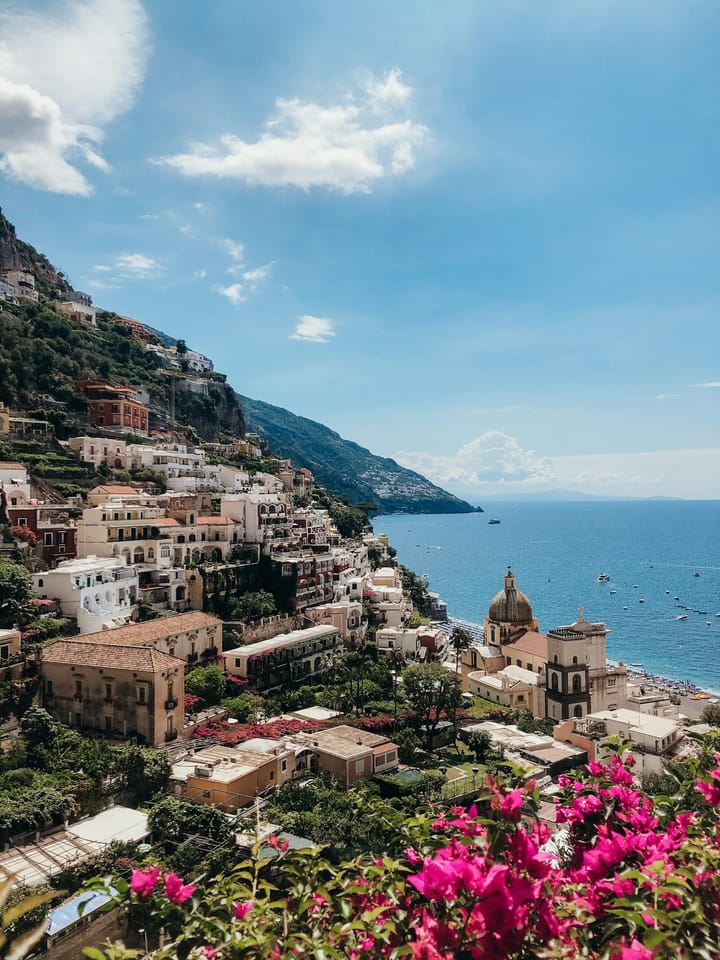
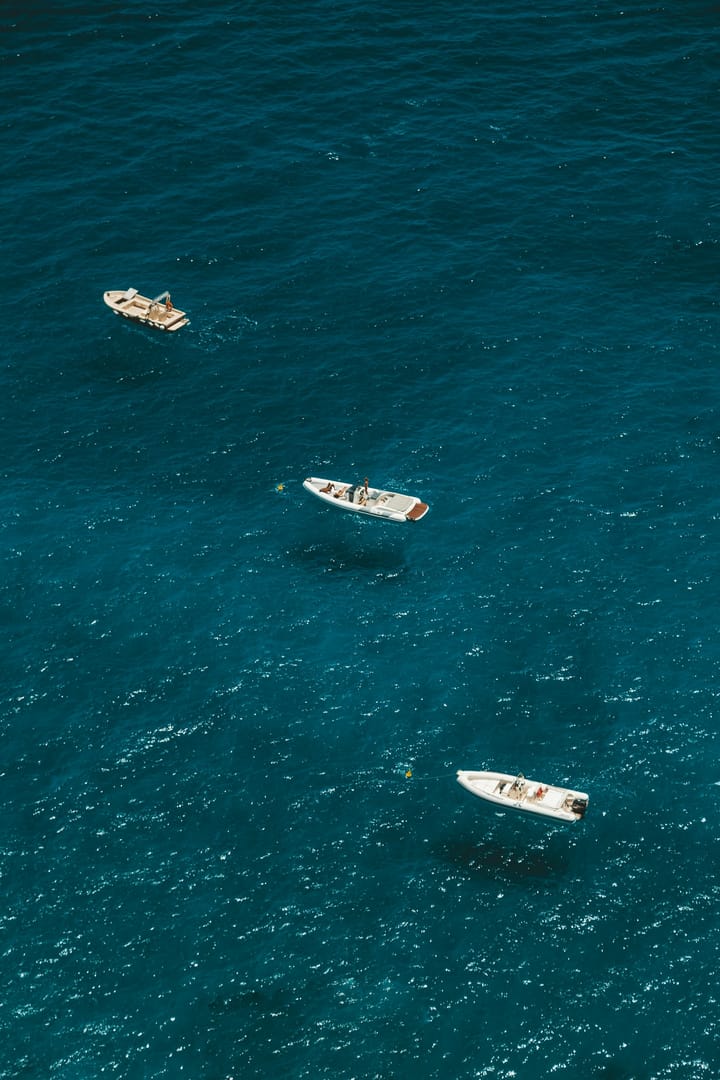
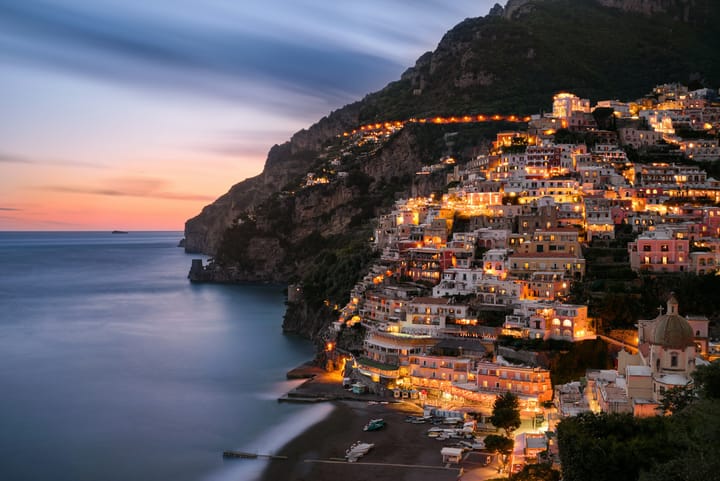
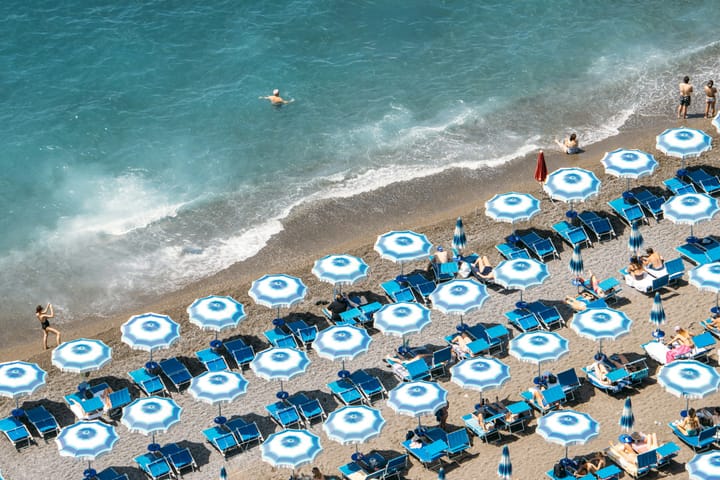
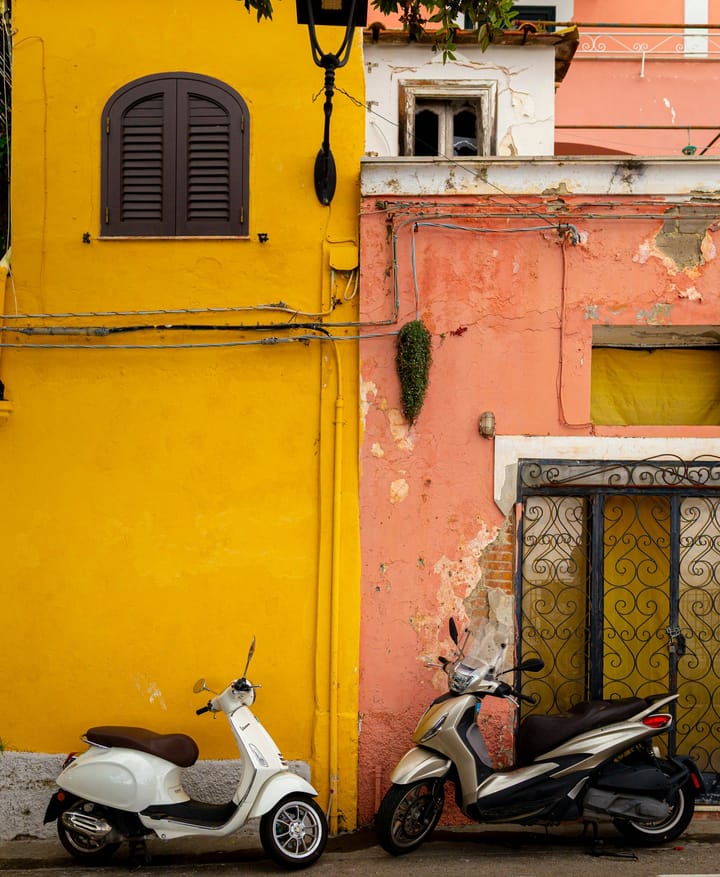
Positano, Amalfi, Atrani and a day up in Ravello. Lemons everywhere, boats in the bay, and more stairs than we counted.
A private home for photos and videos
Every picture is shown whole, in its own shape. Originals are never changed. And the files live in storage that belongs to you.
Free trial, then a small monthly price. Or run it yourself, free for personal use.









What it is built on
Most photo apps cut your pictures into squares, keep them on their disks and read them with their machines. This one was built the other way round.
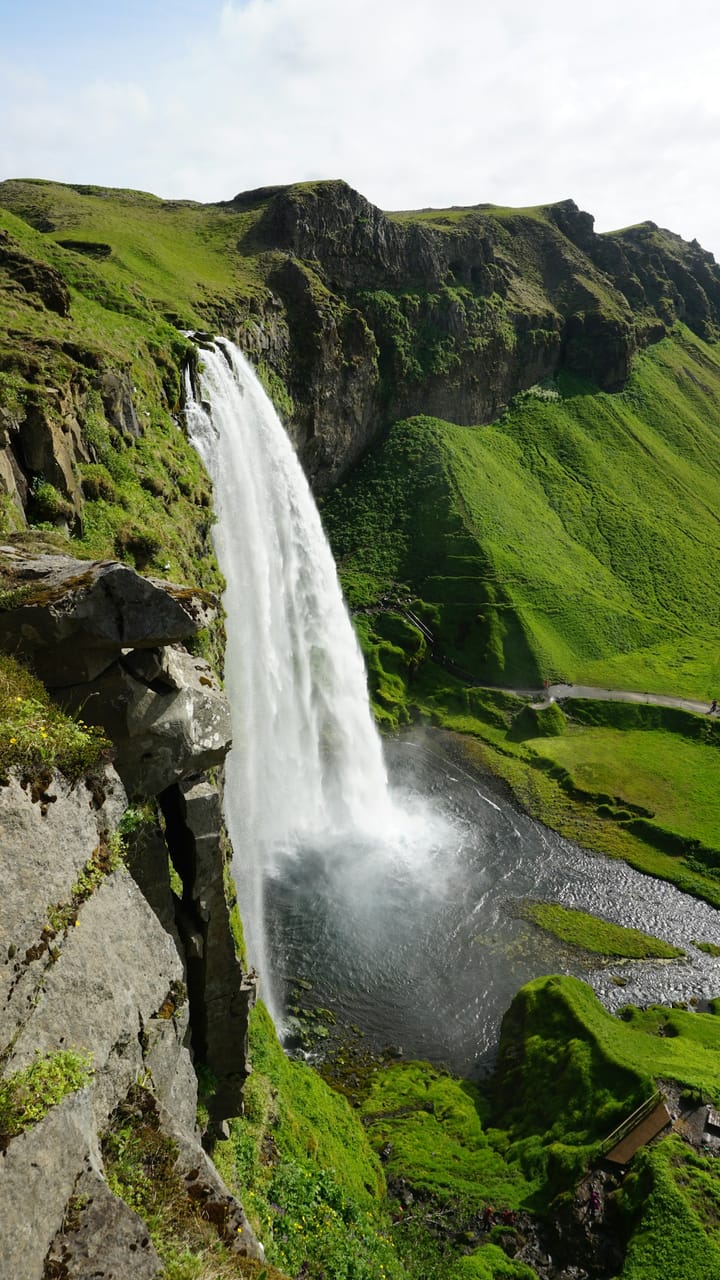
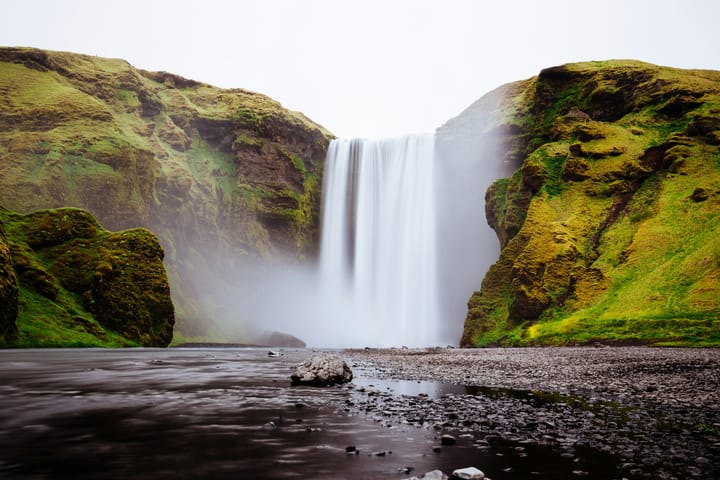
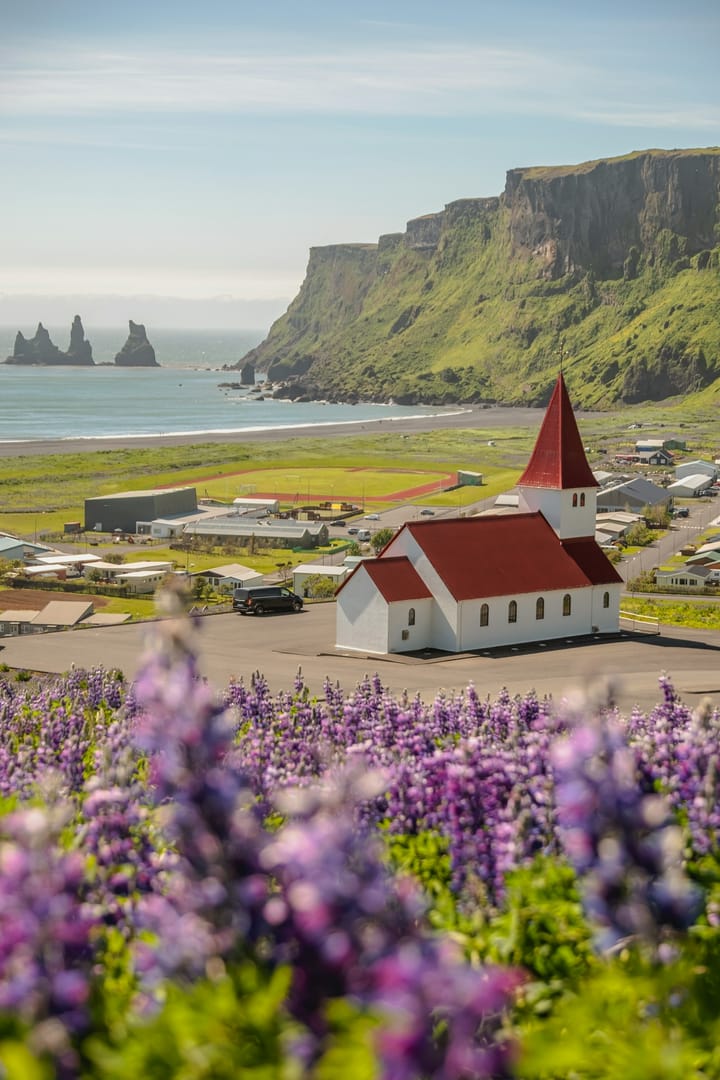
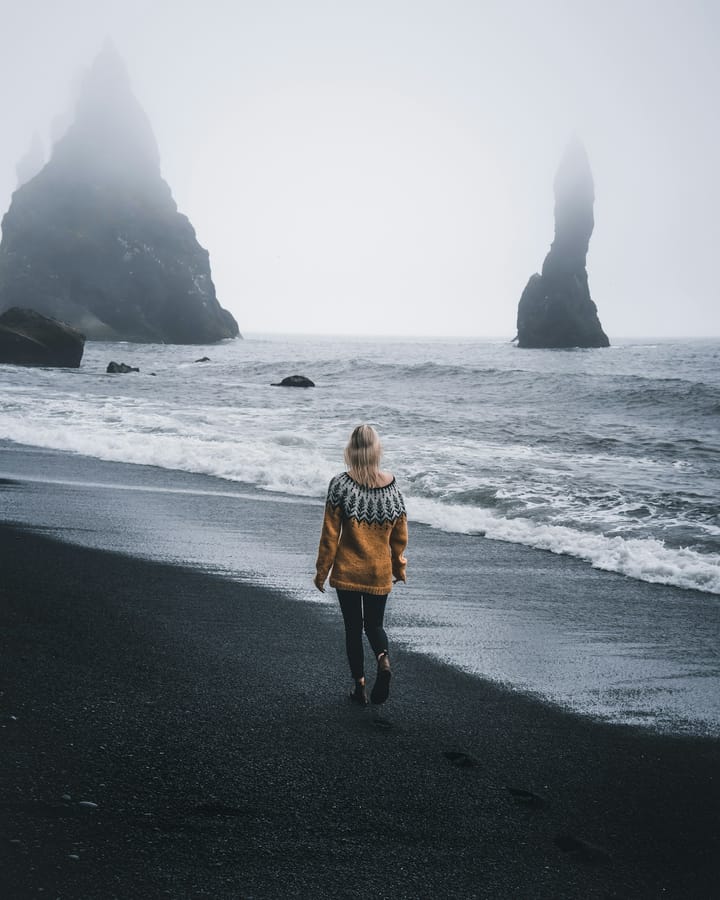
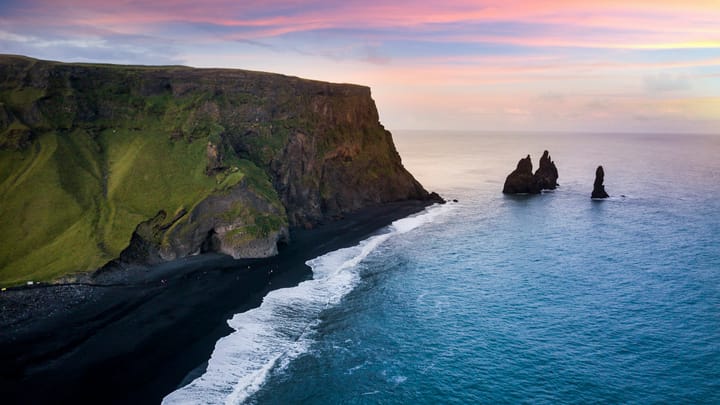
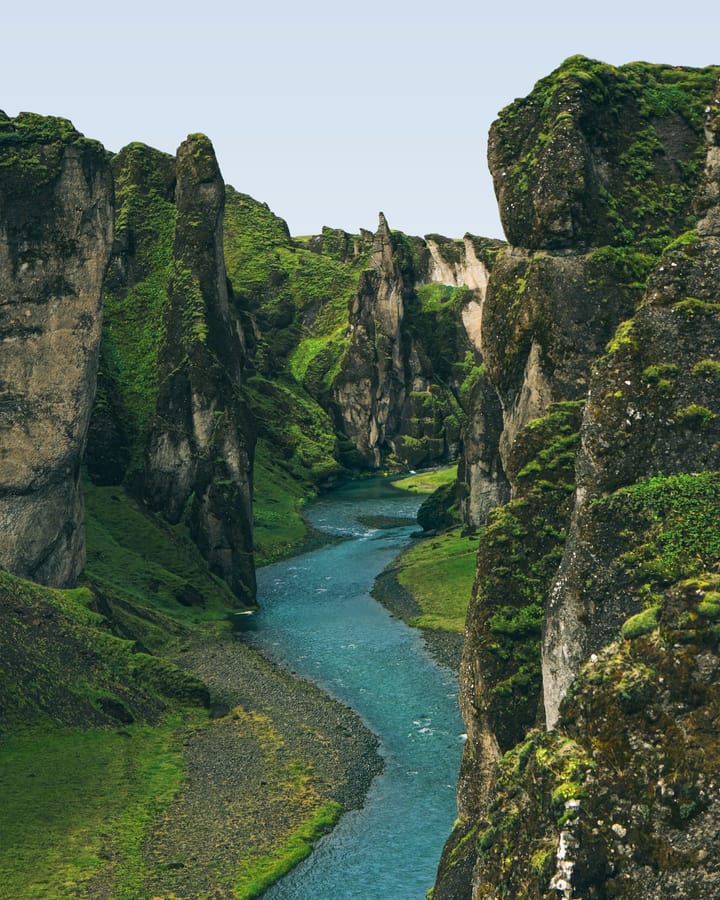
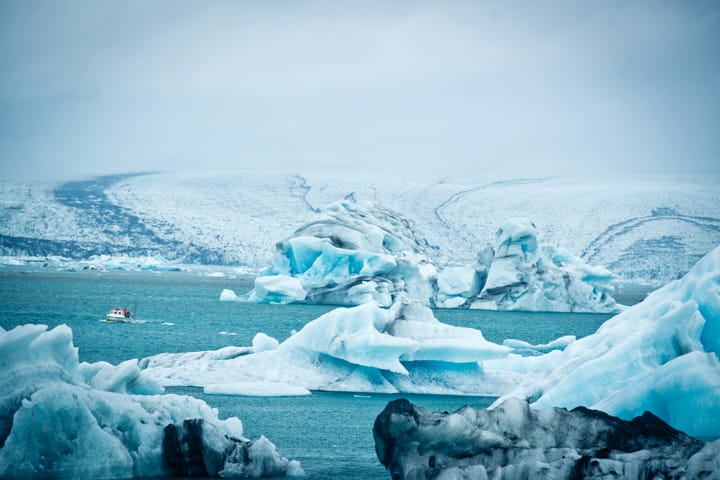
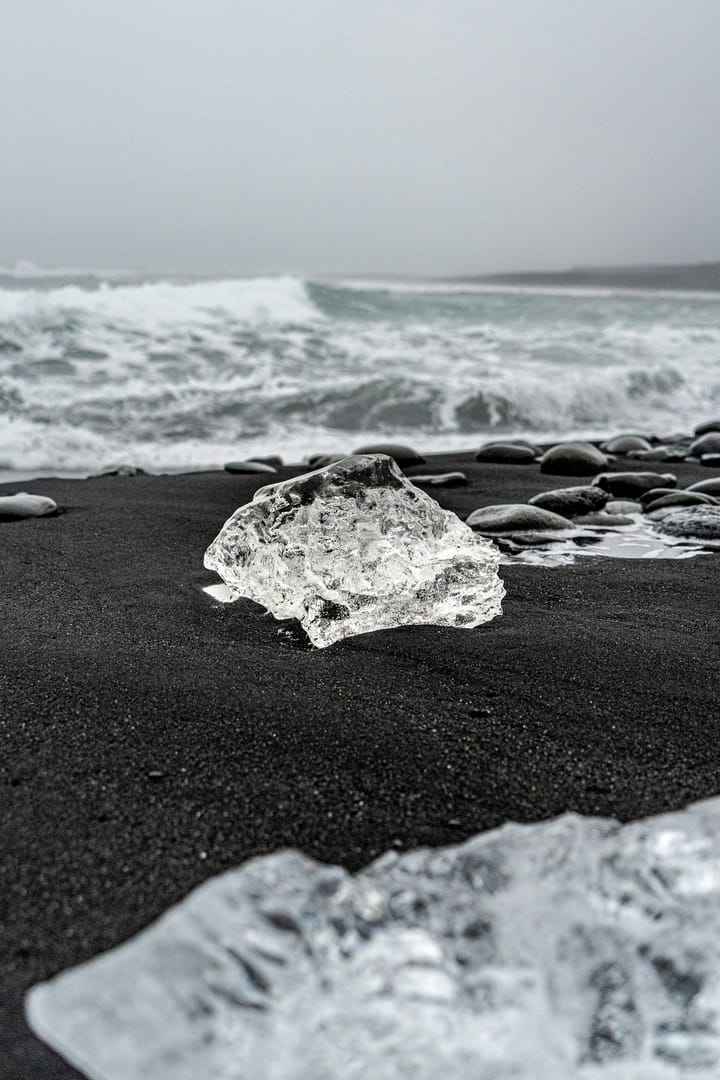
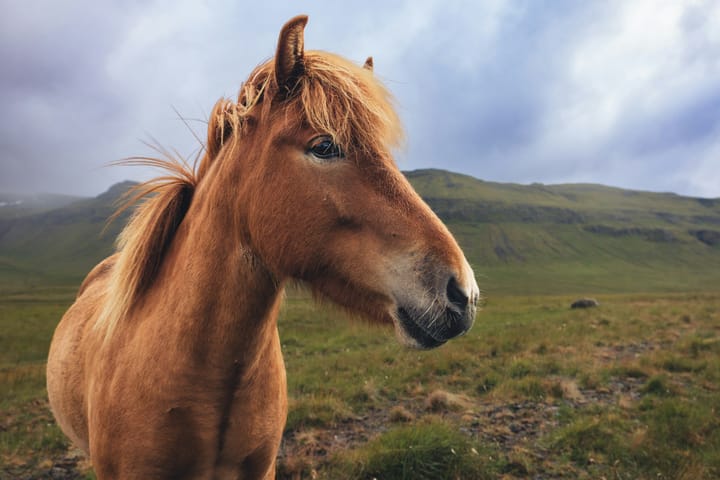
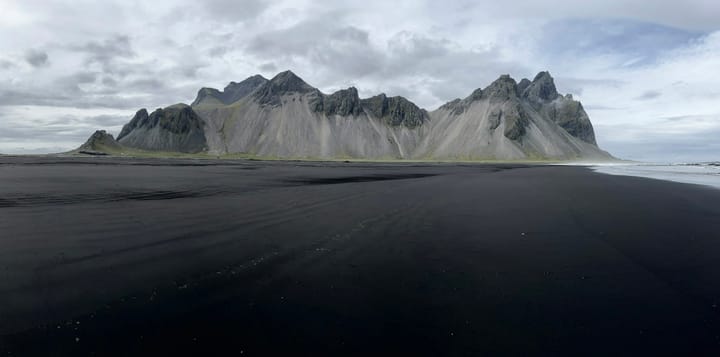
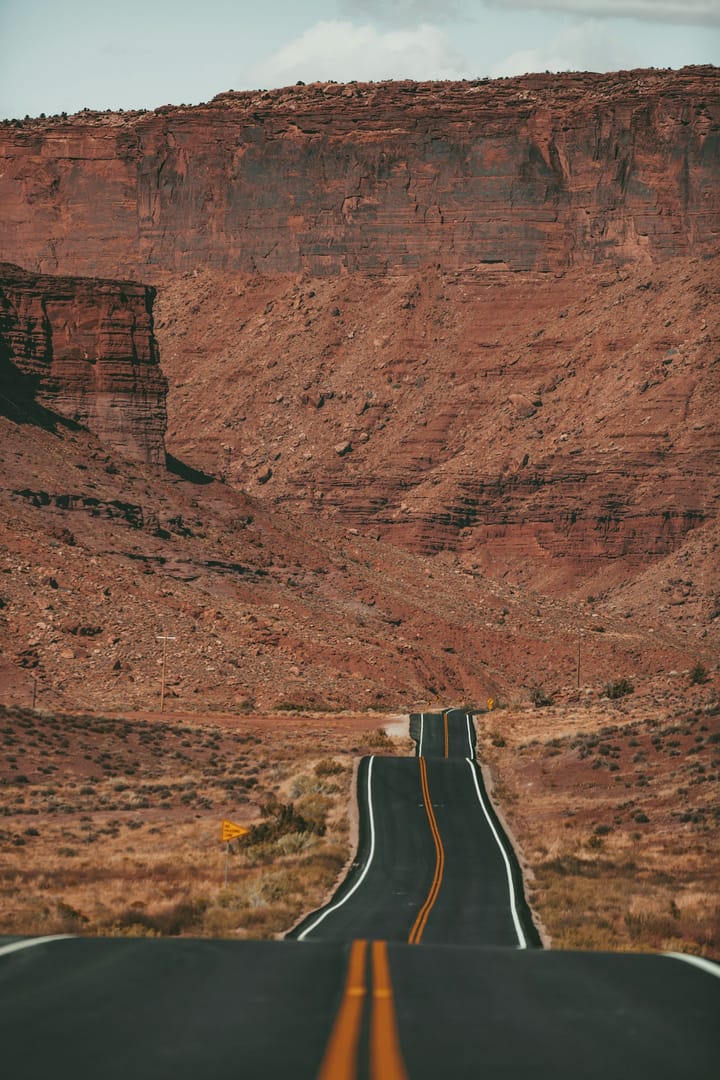
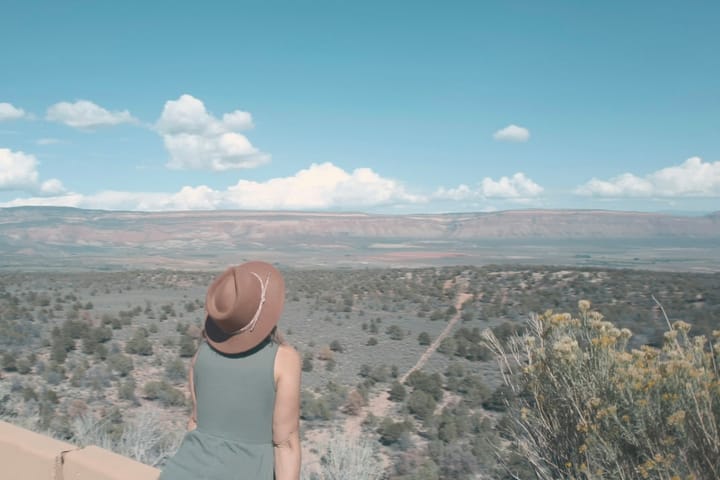
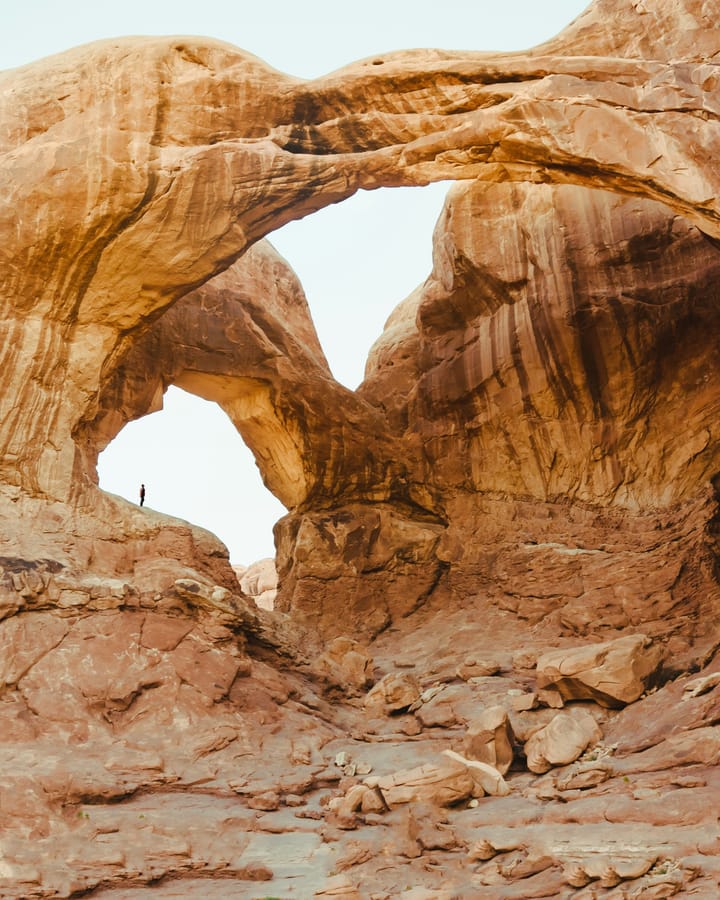
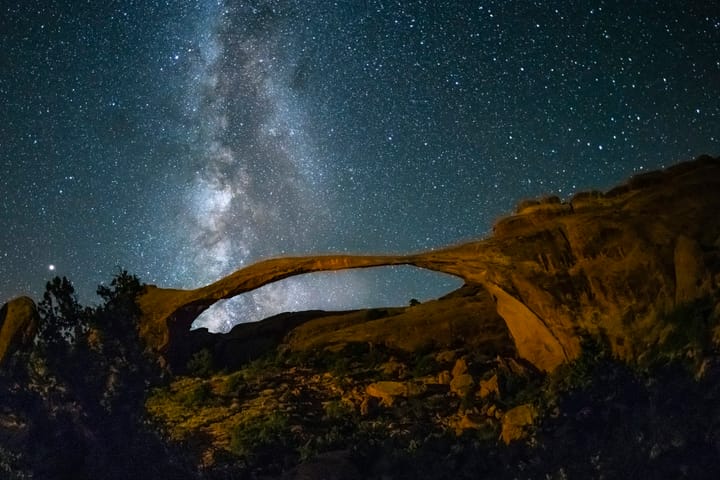
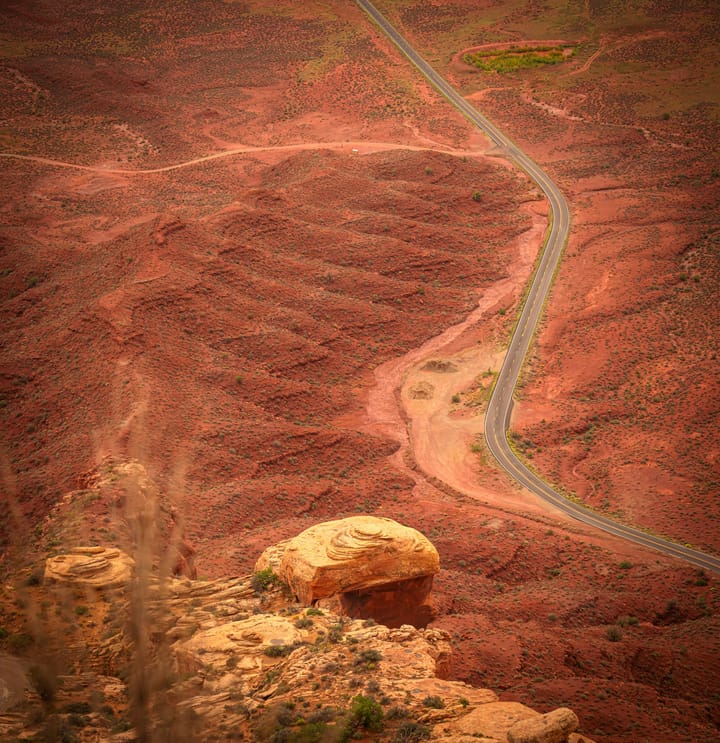
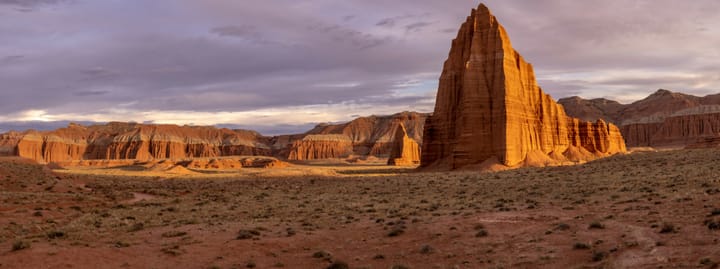
The grid gives every picture the room its shape asks for. A panorama stays a panorama. A tall portrait keeps its head and its feet.
No square tiles, no cut corners, anywhere. Not in the library, not in a story, not in a reel.
The dashed square is all a square grid would keep. Point at it to get the rest back.
The file you upload is stored exactly as it arrived. The editor has light, color, curves, grading and 78 looks, and it never writes over anything.
An edit is a new copy that sits beside the original.


Your library lives at yourname.imagestoria.com. The pictures themselves are stored in your own DigitalOcean Space: your bucket, your keys, your bill.
They sit there in plain folders with their own file names, so they are yours whether or not you stay.
your-space/
  originals/2026/11/…/IMG_4032.HEIC
  display/2026/11/….webp
  thumbs/2026/11/….webp
The first line is your file, byte for byte.
Captions, search by meaning, faces and places come from a small worker program on a computer you own. Or, if you prefer, from a cloud AI provider you choose, with your own key.
It is off until you turn it on, and nothing is shared between libraries.
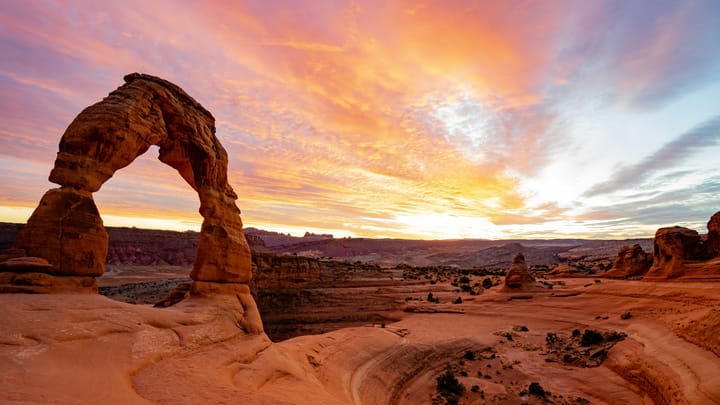
A freestanding sandstone arch stands on a slickrock bowl under a fiery orange sunset sky.
Blue is what a machine read. Amber is what a person said.
Put pictures in order with your words between them. Read a story as a page, play it full screen with music that comes with the app, or turn it into a reel: one video file, tall or wide.
Share a story with a link when you want to. The link opens that story and nothing else.
In a reel the picture floats whole over a blurred copy of itself.
A library is private. Nobody gets in unless you invite them, and each person gets a role and their own switches for upload, edit, tag, comment and download.
The viewer
A round magnifier follows your pointer across the whole picture. Click, and you are walking around the original at full size, in the same window.
Move over the picture. On a phone, drag a finger across it.
A story
Positano, Amalfi, Atrani and a day up in Ravello. Lemons everywhere, boats in the bay, and more stairs than we counted.
Stories
A story is a set of pictures with your words between them. A trip, a year, a weekend in the kitchen. Start one by place, by day, or picture by picture.
The hosted way
It becomes your library's address. Try one.
Small letters, numbers and hyphens.
Create a Space at DigitalOcean and paste its key. We check it works before anything is stored. The guide takes ten minutes.
Drop files or whole folders on the page. Dates, places and cameras are read from the files. Then invite the people you want in.
Pricing
The whole app, for you and everyone you invite. Pay by card, by the month or the year. Or with USDC, by the year.
$0.00
One library
We do not sell storage and we do not mark it up. How pricing works
The app is source-available. One Docker image and Postgres, free for personal and other non-commercial use.
Straight answers
If yours is not here, the help pages go deeper.
In your own DigitalOcean Space, a storage bucket that you create and that DigitalOcean bills you for. The original files are stored there exactly as you uploaded them, beside smaller copies made for fast viewing.
They are not on our disks. Our servers run the app and keep your library's database: titles, tags, comments, stories and captions.
We will be plain about this. The app runs on our servers, so your pictures pass through them when you upload, to make the viewing copies. To do that we hold a key to your Space. It is sealed before it is stored and no page ever shows it again.
We do not look at libraries. The admin panel shows counts and sizes, never pictures or titles. But this is not end-to-end encryption and we will not call it that. If you want no one else's server involved at all, run the app yourself. It is the same app.
When a paid period ends you get a few days of grace. After that the library is paused: nobody can open it, and nothing is deleted. Your files stay in your Space, which was never ours. Pay for a new period and the library opens again as you left it.
Your files are already with you. They sit in your Space under originals/year/month/ with their own file names, and any tool that reads S3 storage can download them. There is nothing to export and nothing to ask us for.
What you wrote about them (titles, tags, stories, comments) lives in the library's database. There is no export button for that yet. Write to us and we will send you the database file, which the self-hosted app can open. More about leaving
Because then the pictures are yours in the plainest way: in an account with your name on it. You can look at the files without us, back them up without us, and leave without asking.
At DigitalOcean a Spaces subscription is about $5 a month. That includes 250 GiB of storage and about 1 TiB of transfer, which is room for many tens of thousands of photos. More storage is about 2 cents a GiB a month. DigitalOcean's price list is the one to trust.
No. ImageStoria is a web app, and it is built to work well on a phone. You can add it to your home screen, where it opens full screen like an app. There is nothing in the App Store or on Google Play.
If you turn it on, it writes a caption for each picture, names the scene and the things in it, makes search by meaning work ("a dog on a beach"), groups faces for you to name, and suggests a place for pictures that have none.
It runs in one of two ways. A worker is a small program on a computer of yours that asks your library for pictures to read. Or you give your library a key for a cloud AI provider you choose: Claude, OpenAI, Google, MiniMax or any OpenAI-compatible address. Faces and search by meaning need a worker. What a machine said is always shown in blue, and a person's correction always wins.
Yes, with USDC on Ethereum, Base or Solana. USDC pays for the yearly plan: you sign one transfer from your own wallet for twelve months. Nothing renews by itself and we never hold a key of yours. To pay by the month, use a card, through Stripe. How billing works
It is source-available under the PolyForm Noncommercial licence. You can read the code, run it and change it for personal and other non-commercial use. You may not sell it or offer it to others as a hosted service. The code is on GitHub.
Free trial, then a small monthly price.